
The Wisconsin National Guard offers aviation support such as flyovers and static displays to eligible events from air shows to professional sporting events.
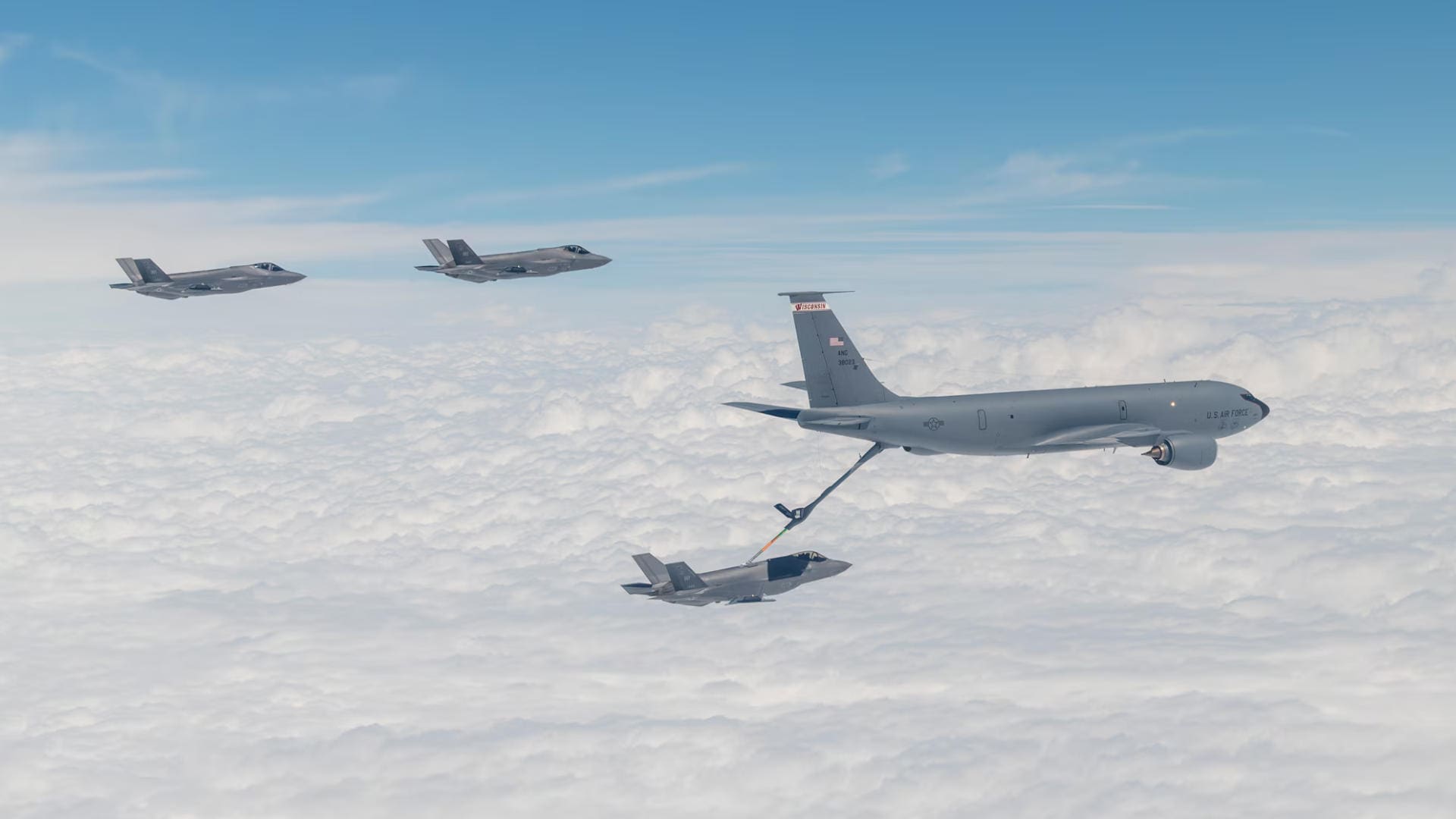
Aviation Requests
F-35 Lightning II Fighter Jet Flyover or Static Display
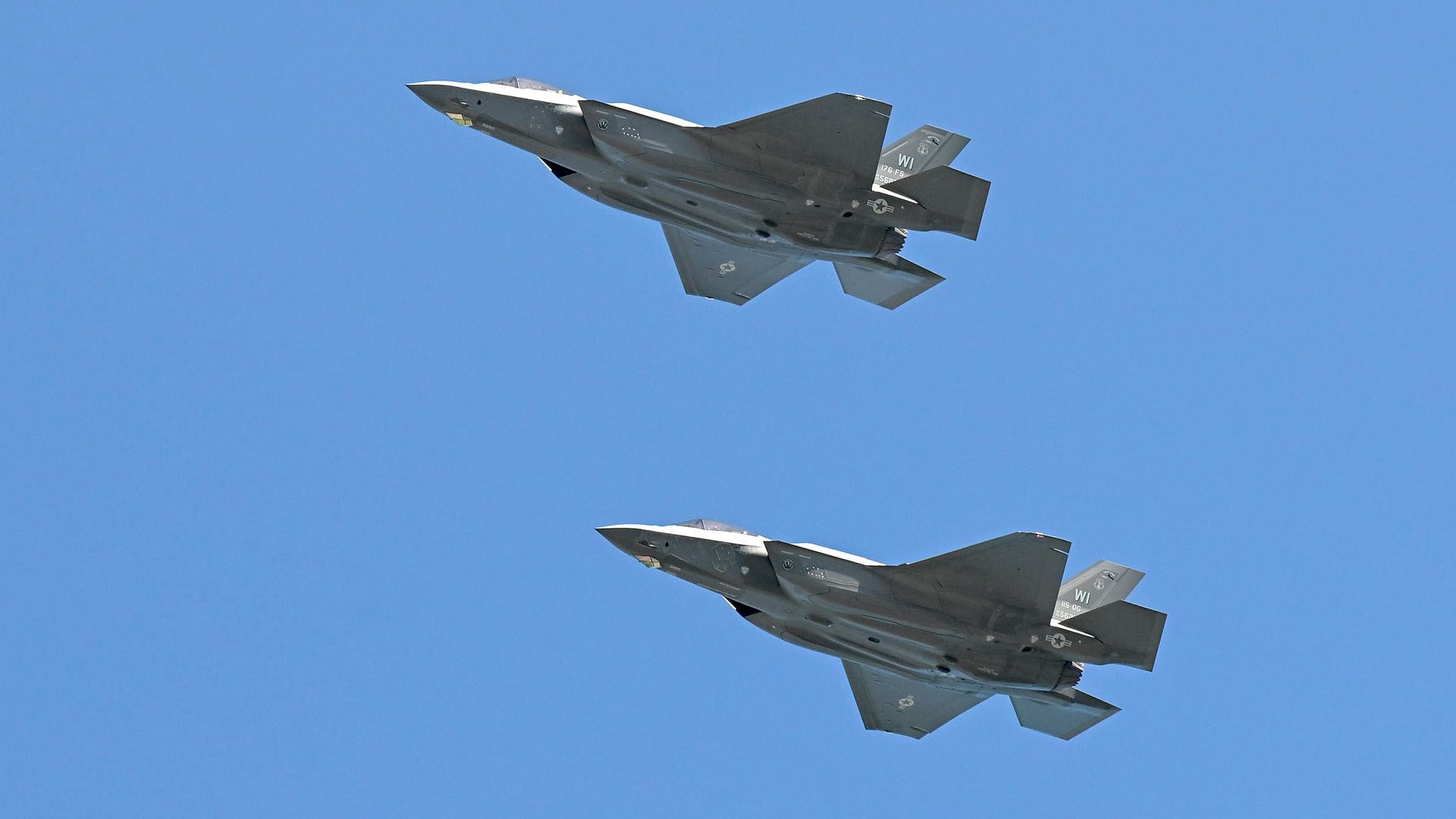
Request Steps
- Fill out all relevant blocks on the DD2535 form*
- Receive an Air Force Aerial Events Approval Number (flyover only)
- Submit all forms to the Community Relations Office
KC-135 Stratotanker Flyover or Static Display
Request Steps
- Fill out all relevant blocks on the DD2535 form*
- Receive an Air Force Aerial Events Approval Number (flyover only)
- Submit all forms to the Community Relations Office
UH-60 Black Hawk / LUH-72 Lakota Helicopter Static Display
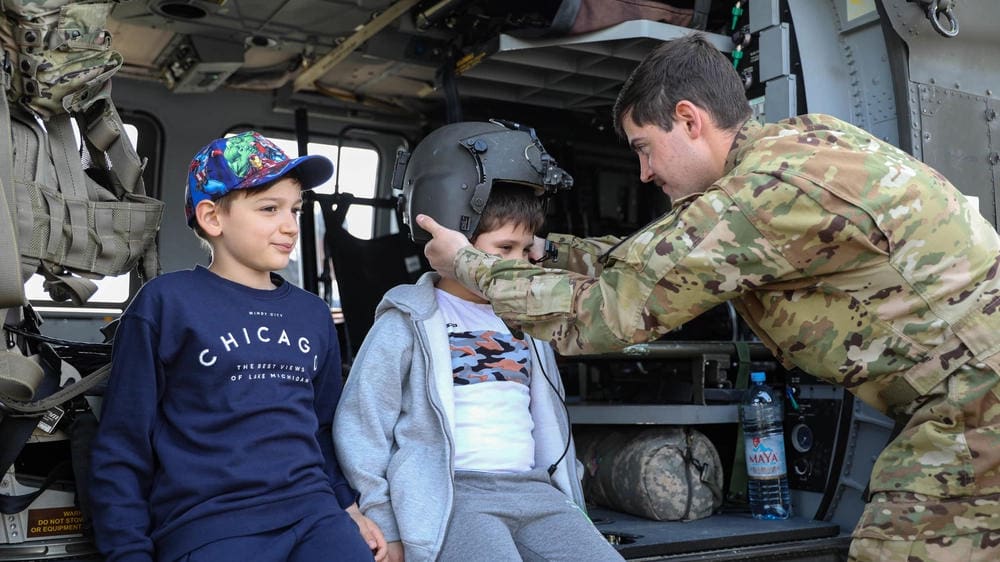
Request Steps
- Complete a Request for WIARNG Rotary Wing Support
- Fill out all relevant blocks on the DD2535 form*
- Complete a Landing Authorization form
- Complete a Security Agreement form
- Submit all forms to the Community Relations Office
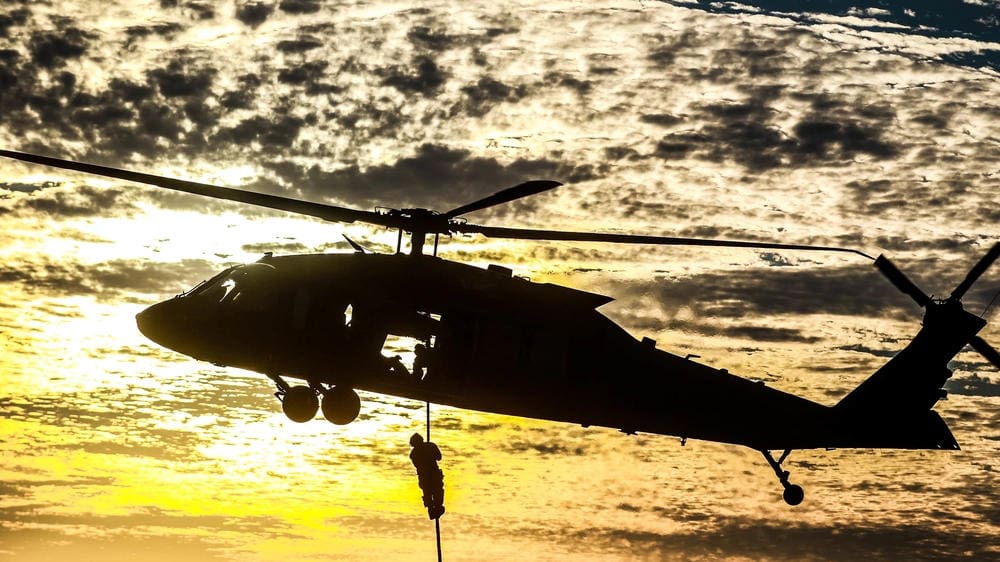
UH-60 Black Hawk / LUH-72 Lakota Helicopter Flyover
Request Steps
- Complete a Request for WIARNG Rotary Wing Support
- Fill out all relevant blocks on the DD2535 form*
- Submit all forms to the Community Relations Office
UH-60 Black Hawk / LUH-72 Lakota Helicopter Flyover for Army Funerals or Memorials
Request Steps
- Complete a Request for WIARNG Rotary Wing Support
- Submit all the following documents to ng.wi.wiarng.list.dcsavn@army.mil
- Soldier’s/Veteran’s DD214
- Summary of the Army Soldier/Veteran’s service, awards, & contributions to Army Aviation (if any)
Aviation Request FAQs
Q: How far in advance should I submit my request?
A: Requests should be submitted at least 90 days prior to the event for best consideration.
Q: Can I request military support for a private event?
A: No, support is only provided for public events that benefit the community.
Q: Are there any restrictions on what kind of events the National Guard can support?
A: Yes, there are restrictions based on eligibility and regulatory compliance. All events must be open to the public and adhere to Department of Defense regulations.
Q: Does approval guarantee support of my event?
A: Approval of an event does not guarantee actual support. Availability depends on factors such as training schedules and mission requirements.
Submit Forms
All set with your completed forms? Submit the forms to our Community Relations Office below.
*The DD2535 – Request for Military Aerial Support form cannot be opened directly in a web browser.
To access the form, please download the file and save it to your computer.
You will need Adobe Acrobat Reader to open and complete the PDF.
This application is free to download—search for “Adobe Acrobat Reader” online.
Steps to save the DD2535 form:
- Click on one of the DD2535 form links.
- You will be directed to the Official DoD Forms website (Washington Headquarters Services).
- Locate and click on Form Number: DD 2535.
- Select “Save As” to name the file and save it to your computer.
- Open Adobe Acrobat Reader, go to File > Open, and navigate to the saved form.